IT news and tips – page 12
Practical advice on security, backup, email, networks and IT support, explained in plain English.
Articles on page 12

Updated on
What to do to secure your IT infrastructure until you’ve migrated all workstations to Windows 11
How to secure your IT infrastructure until you move to Windows 11: ESU, isolated workstations, closed RDP, 2FA and backup. See the list of measures.

Updated on
Types of IT monitoring
Types of IT monitoring: systems, network, applications, websites, backup and security. How monitoring works and what the IT team sees. Find out more.
Updated on
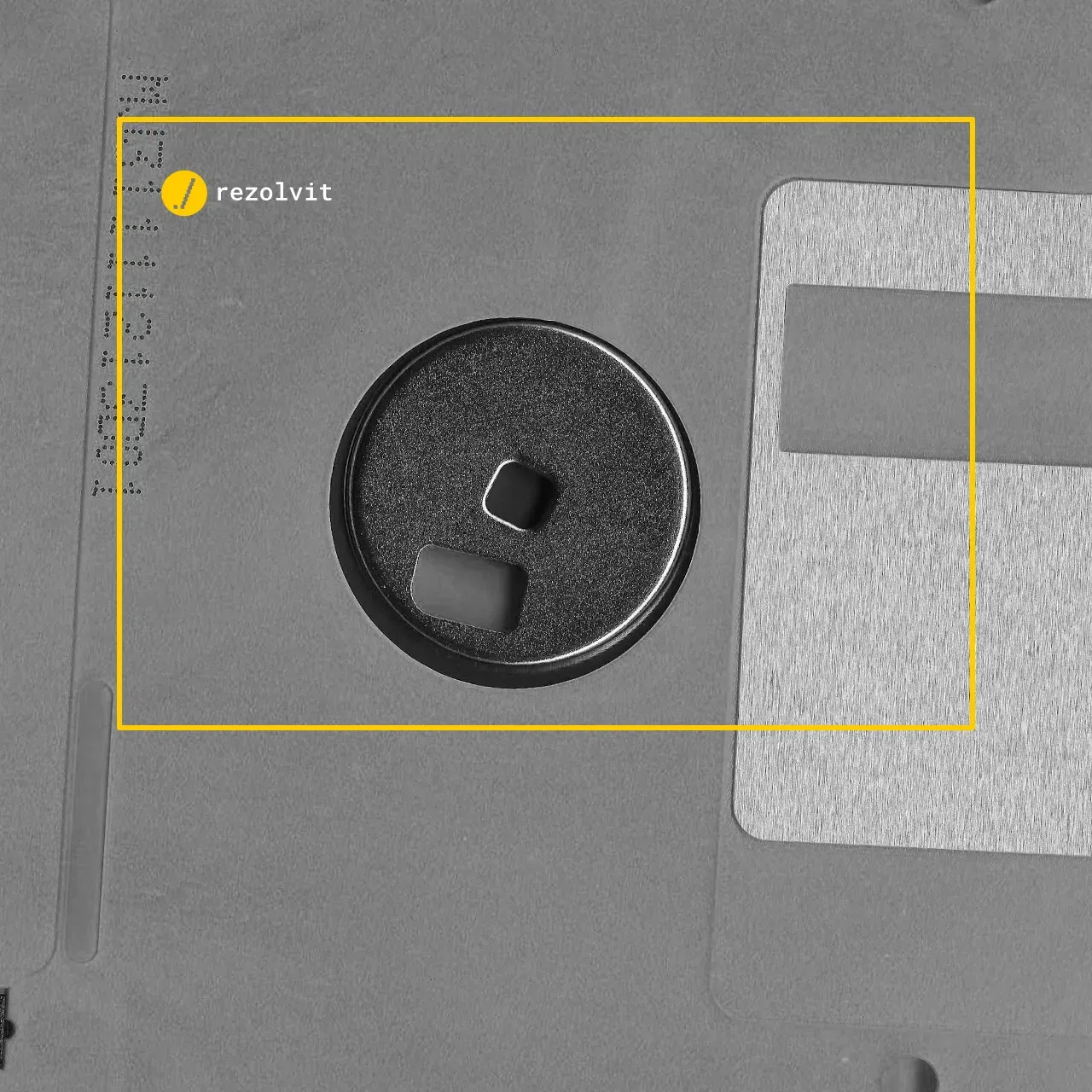
Understanding the types of backup and why you need them
Backup types explained: full, incremental, differential, synthetic full and cloud backup, with the advantages of each. Find out which backup suits you.

Updated on
How to protect your infrastructure from ransomware attacks so you don’t end up like Garmin
How to protect your infrastructure from ransomware so you don’t end up like Garmin in 2020: EDR, offline backups, 2FA and updates. See the measures.

Updated on
Twitter’s business customers had their data compromised. What should we do to avoid ending up in the same situation?
Twitter (now X) business customers’ data was compromised in 2020. Limit the damage of a breach: separate email, unique passwords, 2FA. See the measures.

Updated on
4 essential things for securing your office infrastructure
4 essentials for securing office infrastructure: Wi-Fi with WPA3, unique passwords and 2FA, up-to-date antivirus and offline backup. See what to check.

Updated on
Apple recommends that users not cover their MacBook’s webcam
Apple recommends that you don’t cover your MacBook’s webcam: a cover can damage the screen and block the light sensor. See what to do instead.

Updated on
On outsourcing IT and communication services
Outsourcing IT and communication services: the pros and cons, from productivity to response times. Read them before you decide whether to outsource.

Updated on
Why Outlook closes immediately after starting and how to fix the problem
Why does Outlook close right after starting, with error 0xc0000005? Causes and fixes: Safe Mode, add-ins, Office repair, a new profile. See the steps.

Updated on
5 signs you need an IT outsourcing company
5 signs you need an IT outsourcing company: slow computers, printers nobody installs, pop-up ads, Windows that won’t start, broken email. Find out more.
Tell us what’s slowing you down. We’ll call you.
It takes 30 seconds, and a specialist will call you back within 2 business hours.
- free IT & AI audit, no obligation
- a report with risks and concrete recommendations
- a clear offer, with a fixed monthly plan
Prefer the phone? 031 432 8681