The problem with end-of-life (EOL) technology
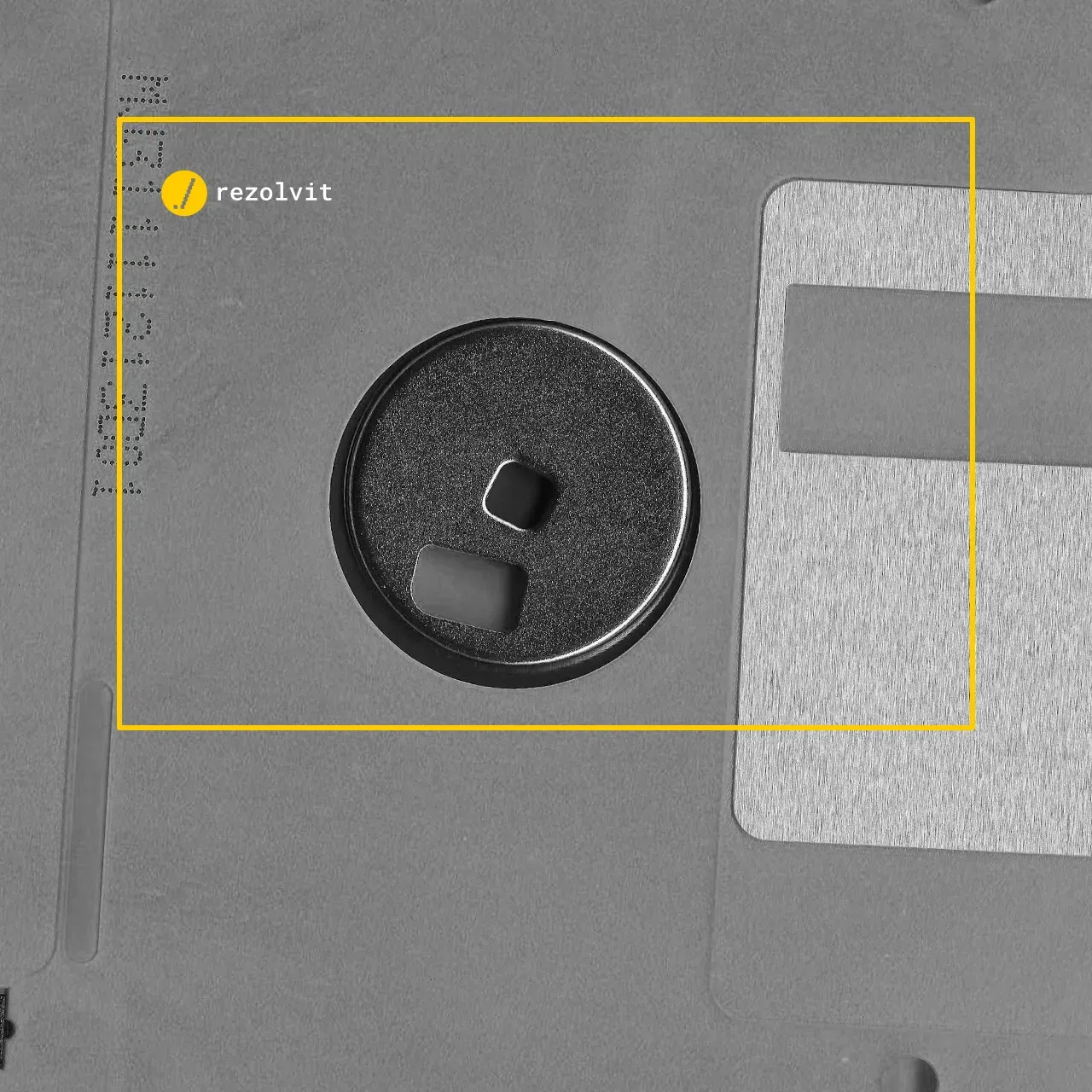
According to Gizmodo, in 2020 Boeing 747s were still getting software updates on floppy disks. That tells you how old the technology in older aircraft is.
Both the Boeing 747 and the even older 737 were updated every 28 days using 3.5-inch floppy disks. This is how the information about airports, navigation routes and other things pilots must know was kept up to date.
The process was quite cumbersome: some updates took as many as 8 floppy disks.
The problem with end-of-life (EOL) technology
EOL software
End-of-life (EOL) technologies, whether software or hardware, cause fairly big problems in companies.
When it comes to software, end-of-life (EOL) apps and platforms are vulnerable to attacks, because they no longer receive security patches. I read a while ago that in the UK, some workstations in public institutions still run Windows XP, because the apps running on them are also EOL and can’t run on Windows 10.
Can you imagine how long it would take to get those workstations working again after a ransomware infection? In my mind, that scenario is a horror story. The whole institution is paralyzed, and the company handling its IT is working flat out to fix the situation… That is, if it has any way of restoring the data from a backup.
For more information about securing infrastructures that run outdated operating systems, read the article on securing your IT infrastructure until all workstations have been migrated.
EOL hardware
Just as many problems come from hardware that reaches EOL. If a system that’s critical to the company breaks down, getting end-of-life spare parts is quite difficult…
It doesn’t even have to be a component that’s essential to operation. It’s enough for a fan to start acting up and for no replacement to be found quickly. Can anyone imagine a company keeping an essential server switched off until a compatible fan shows up in the supplier’s stock? I can’t even begin to imagine it.
These are the reasons why your current IT support company may propose replacing equipment that works perfectly well but uses obsolete technology.
Which products reached end of life in 2025 and 2026?
Most companies use Microsoft products, and for those the dates below are the ones on Microsoft’s product lifecycle page (end of extended support):
- Windows 10: October 14, 2025. Companies can still buy Extended Security Updates (ESU), paid per computer, until October 2028 at the latest.
- Office 2016 and Office 2019: October 14, 2025.
- Exchange Server 2016 and Exchange Server 2019: October 14, 2025.
- SQL Server 2016: July 14, 2026.
- Windows Server 2016: January 12, 2027. If your company still has servers running this version, plan the migration now.
- Windows Server 2012 and 2012 R2: since October 10, 2023.
For hardware, manufacturers also announce end-of-life dates for each model. After those dates, they no longer supply spare parts, firmware updates or warranty extensions.
How do you manage end-of-life technology in your company?
- Take inventory. List your computers, servers, network equipment and apps, with the version and end-of-life date of each one.
- Start with what’s exposed. Systems that can be reached from the internet and those that hold important data come first: the email server, the file servers, the firewall, the VPN.
- Budget for replacements in advance. A server that reaches end of life in a year goes into this year’s budget, not the emergency budget.
- Isolate what can’t be replaced right away. An old app that doesn’t run on new systems is moved to a separate network, without internet access, until it’s replaced.
- Check your backup. On old systems, a tested restore is the only safety net. See also Backup as a Service.
For companies that fall under NIS2 (transposed in Romania by GEO 155/2024), vulnerability management is one of the mandatory measures. A system that no longer receives security patches is hard to justify in an audit.
RezolvIT has successfully planned and carried out infrastructure migration projects for its clients. If you’d like our help with a migration or any other IT problem, request a free IT audit!
Tell us what’s slowing you down. We’ll call you.
It takes 30 seconds, and a specialist will call you back within 2 business hours.
- free IT & AI audit, no obligation
- a report with risks and concrete recommendations
- a clear offer, with a fixed monthly plan
Prefer the phone? 031 432 8681