IT news and tips – page 11
Practical advice on security, backup, email, networks and IT support, explained in plain English.
Articles on page 11

Updated on
How two-step verification (2FA) for Zoom works and how to implement it
Two-step verification (2FA) for Zoom: how it works, how the administrator turns it on for the company and how each user sets it up. See the steps.

Updated on
IT support is about communication and helping people in companies
IT support is about communication: what the technician asks when “my computer isn’t working” and what helps them fix it fast. See the full example.

Updated on
How to protect yourself from Android malware that steals your personal data
How to protect yourself from Android malware that steals your data, from BlackRock (2020) to today’s banking trojans. See the steps that keep you safe.

Updated on
Why VPN connections help secure your company’s infrastructure
Why VPN connections help secure your company’s infrastructure: no exposed servers, encrypted traffic, two-step verification. See what else matters.

Updated on
A Windows 10 bug could seriously affect SSD lifespan
A 2020 Windows 10 bug ran SSD optimization far too often. See how it was fixed, how long an SSD lasts and how to check its health. Read the article.

Updated on
How to transfer large files over the internet
How to transfer large files over the internet: compare collaborative cloud services, dedicated transfer services and your own server. Find the right fit.
Updated on
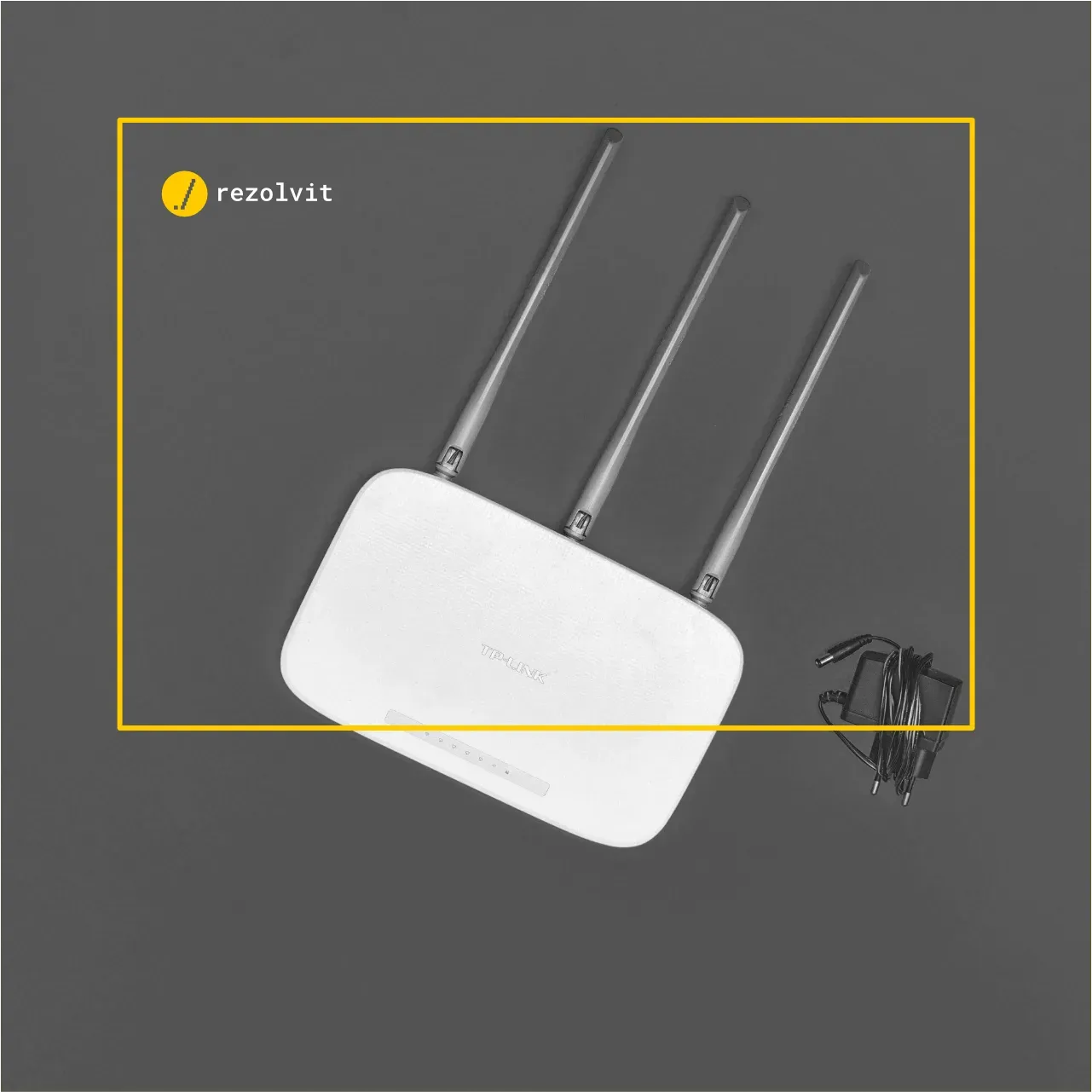
Common Wi-Fi network problems and solutions
Common Wi-Fi network problems and solutions: slow internet, a network that drops out, devices that won’t connect. See how to diagnose them quickly.

Updated on
3 simple security rules for working with email
3 simple security rules for working with email: different passwords, a separate address for newsletters and another for social media. Find out how.

Updated on
The problem with end-of-life (EOL) technology
The problem with end-of-life (EOL) technology: why unpatched software and hardware without spare parts put your company at risk. Find out what to do.

Updated on
Do you need antivirus protection on Mac OS X?
Do you need antivirus protection on Mac OS X? Yes: macOS has good built-in protection, but infostealers and infected files get past it. See what to do.
Tell us what’s slowing you down. We’ll call you.
It takes 30 seconds, and a specialist will call you back within 2 business hours.
- free IT & AI audit, no obligation
- a report with risks and concrete recommendations
- a clear offer, with a fixed monthly plan
Prefer the phone? 031 432 8681