IT news and tips – page 9
Practical advice on security, backup, email, networks and IT support, explained in plain English.
Articles on page 9

Updated on
IT security: recommendations and things to avoid
IT security for companies: what to do and what to avoid, from a VPN with two-step verification and updates to long passwords and training. See the list.
Updated on
How do you extend your laptop battery’s lifespan?
How to extend your laptop battery’s lifespan: charge between 40% and 80%, set a charge limit when plugged in and avoid heat. See all the tips.

Updated on
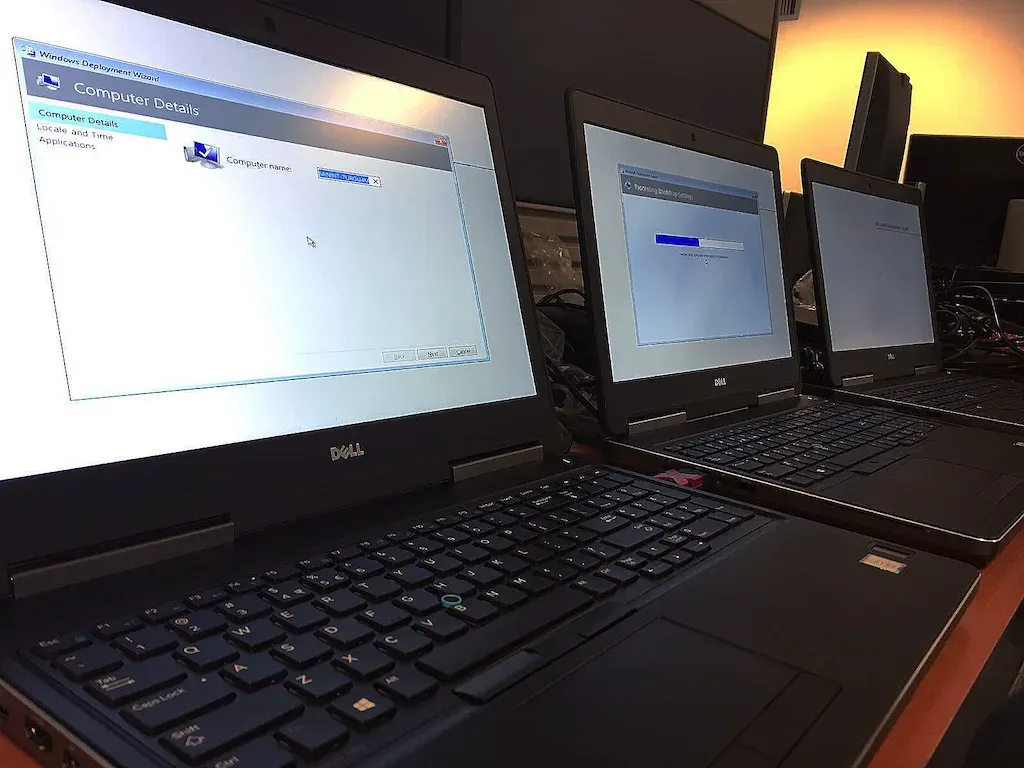
Why shouldn’t you use laptops designed for personal use at the office?
Why you shouldn’t use personal-use laptops at the office: BitLocker with Windows Pro, warranty, reliability and what to look for in 2026. Find out more.
Updated on
Low cost and top IT performance?
Low cost and top IT performance: how one client standardized its IT, with Microsoft 365, backup and security, for a fixed monthly cost. See the example.
Updated on
Mandatory security measures for work laptops used at home
Mandatory security measures for work laptops used at home: BitLocker, centrally managed antivirus, MFA, updates, backup and VPN. See the full list.

Updated on
Local server or cloud server? Advantages and disadvantages
Local server or cloud server? Compare costs, access speed, scaling and dependence on your office internet so you choose right. See the pros and cons.
Updated on
Is the Office 365 (Microsoft 365) suite ideal for working from home?
The Office 365 suite, now Microsoft 365, is ideal for working from home: Teams, Exchange Online, OneDrive, SharePoint and the right plan. Read the guide.

Updated on
Is your company ready to allow users to use their personal devices for work?
Is your company ready for personal devices at work (BYOD)? See the rules, the security and the checks you need before allowing them. Find out the steps.

Updated on
Let’s talk about the cost of using worn-out equipment
The cost of using worn-out equipment: repairs, hard-to-find parts, days of downtime and computers that can’t run Windows 11. See when to replace them.

Updated on
That friend who’s good with computers, or an IT support company?
A friend who’s good with computers or an IT support company? See why a business needs IT support that understands it and never takes a vacation.
Tell us what’s slowing you down. We’ll call you.
It takes 30 seconds, and a specialist will call you back within 2 business hours.
- free IT & AI audit, no obligation
- a report with risks and concrete recommendations
- a clear offer, with a fixed monthly plan
Prefer the phone? 031 432 8681