What is the difference between a router, a firewall and a UTM?
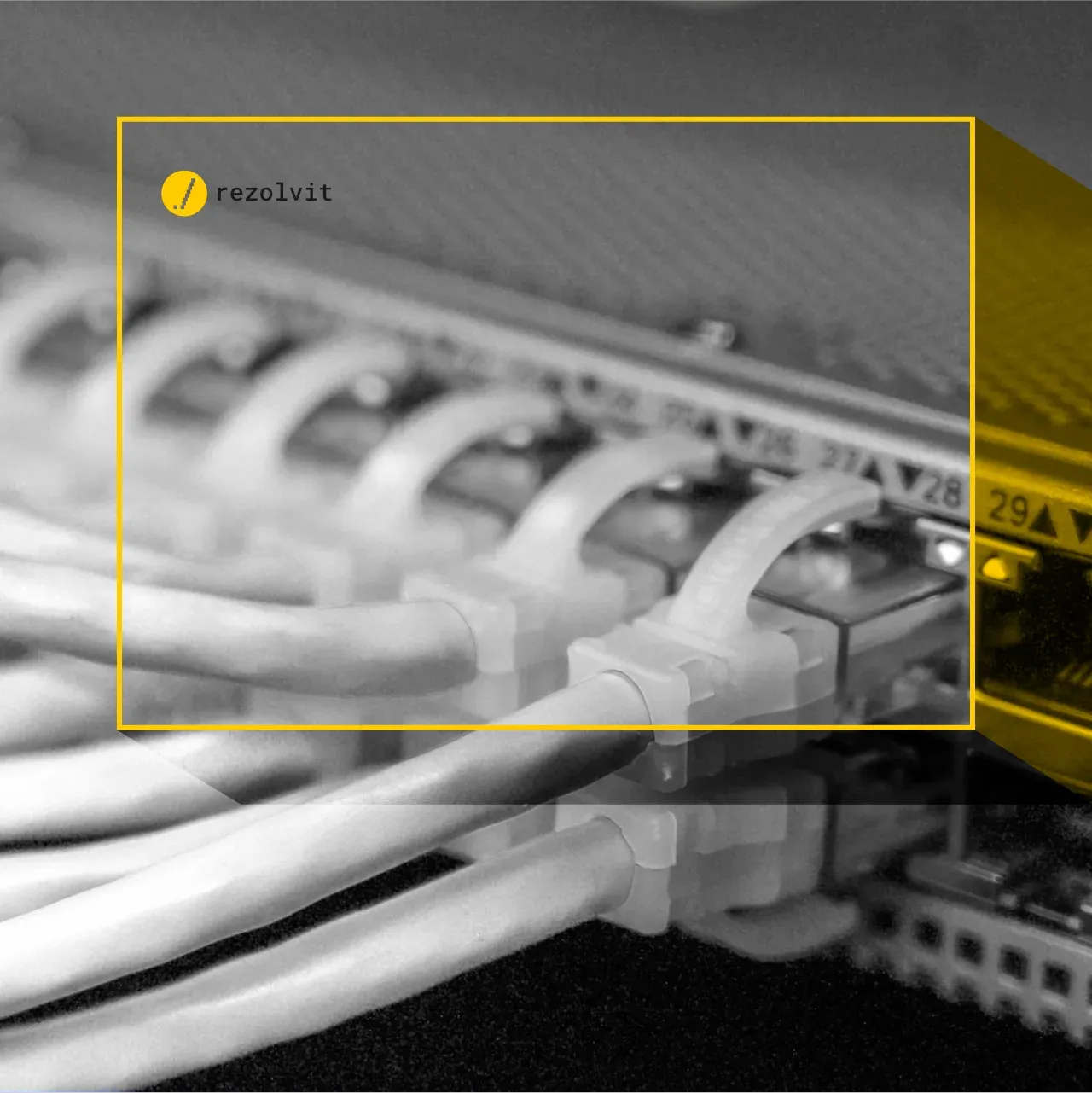
The router connects the company network to the internet and directs traffic, the firewall filters that traffic according to security rules, and the UTM (Unified Threat Management) combines the firewall and other protections in a single device: antivirus for traffic, web filtering, intrusion prevention and VPN. In short: the router “provides the internet”, the firewall decides what gets through, and the UTM also checks what’s inside the traffic that gets through.
The router is the most important device in a network, because it lets you set up the internal network and gives the connected devices internet access. With many employees also working from home and company applications increasingly in the cloud, high-performance, secure network equipment has become almost mandatory.
In this article, we discuss the differences between a router, a firewall and a UTM, and what suits a company.
What is a router?
A router is the device that directs (routes) traffic between the internal network and an outside network, usually the internet. But that’s not all it does: it also makes it easier to set up the internal network, letting users access the other devices at the company’s office, such as printers, servers or network storage.
Basically, the router is the device that makes computer networks work and “gives them internet”. Routers supplied by the internet provider usually include a simple firewall too, which is enough for home use but limited for a company.
What is a firewall?
A firewall is a network device or program that protects the internal infrastructure from threats such as malware, viruses or deceptive websites. It inspects traffic and rejects whatever doesn’t follow the rules, adding an extra layer of security to the network.
Today’s firewalls, also called next-generation firewalls (NGFW), don’t just look at addresses and ports: they recognize applications and users and can also inspect encrypted traffic.
But even so, using a firewall doesn’t mean giving up the antivirus solutions on your computers. Far from it.
Many firewalls also offer router functionality, meaning they let you create an internal network and connect devices to the internet.
What is a UTM?
A UTM, meaning a Unified Threat Management device, works much like a firewall. It offers the features of a router and protects the network from attacks and from access to malicious websites, and on top of that it adds antivirus and antispam for traffic, web filtering, intrusion prevention (IPS) and VPN connections for remote employees.
Although the two devices broadly do the same things, they work differently from a technical point of view. As a rule, classic firewalls use a set of rules defined by the network administrator. The person managing the infrastructure has to keep updating the firewall configuration to keep threats at bay.
UTMs, on the other hand, come with security subscriptions that automatically bring in the signatures for the latest threats, giving your infrastructure stronger protection. Today, the difference between an NGFW and a UTM is mostly a matter of name: the same device does both, depending on which security subscriptions are active.
What’s the difference, in short?
- The router connects the network to the internet and directs traffic. Its protection is minimal.
- The firewall decides, based on rules, what traffic enters and leaves the network.
- The UTM is a firewall that also checks the content of the traffic (viruses, dangerous websites, intrusions), with continuously updated security subscriptions.
What should you choose for your company in 2026?
For an office with a few employees, the internet provider’s router isn’t enough. Our recommendation is a business firewall (NGFW or UTM) with active security subscriptions, plus a few simple rules:
- Security subscriptions kept up to date. When the subscription expires, the device keeps working, but it no longer receives new signatures, so it protects less and less.
- Up-to-date firmware. Network devices have vulnerabilities too, and those that have reached end of life no longer receive patches and must be replaced.
- Secure remote access. Employees working from home connect through a VPN or through an access solution that verifies both identity and device (Zero Trust), with two-step verification.
- Separate networks. The guest network and the network for cameras or other smart devices are kept separate from the company’s computers. See also how to secure the wireless network at the office or at home.
- Logs that are kept. For companies covered by NIS2 (in Romania, GEO 155/2024), firewall logs help detect and report incidents.
RezolvIT is an IT outsourcing company that supports the companies it works with, whether it’s IT security and IT infrastructure or employees working remotely. If you want to find out whether your company network is properly protected, request a free IT audit.
Tell us what’s slowing you down. We’ll call you.
It takes 30 seconds, and a specialist will call you back within 2 business hours.
- free IT & AI audit, no obligation
- a report with risks and concrete recommendations
- a clear offer, with a fixed monthly plan
Prefer the phone? 031 432 8681