Windows 11 apps with a new look: what has changed since launch
In August 2021, two months before Windows 11 launched, Microsoft showed the new look of the apps built into the system in a post on the Windows blog: Snipping Tool, Calculator, Mail and Calendar. Since then, Snipping Tool and Calculator have stayed and gained new features, while Mail and Calendar were retired at the end of 2024 and replaced by the new Outlook.
What has changed since 2021
- Windows 11 was released on October 5, 2021. Windows 10 reached end of support on October 14, 2025, and Microsoft develops its new apps for Windows 11.
- Mail and Calendar no longer work. Their support ended on December 31, 2024, and the new Outlook for Windows has taken their place.
- Snipping Tool and Calculator have kept their new look and gained extra features (details below).
Snipping Tool: screenshots in Windows 11
Microsoft dropped the old Snip & Sketch and Snipping Tool and replaced both of them with a redesigned version of Snipping Tool. According to Microsoft, the updated app brings together the best of the two apps.
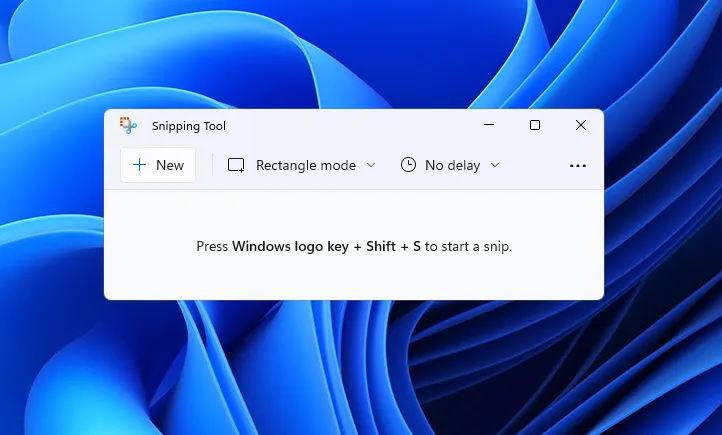
Screenshots are taken with the same keyboard shortcut, Win + Shift + S, that people who used Snip & Sketch already know.
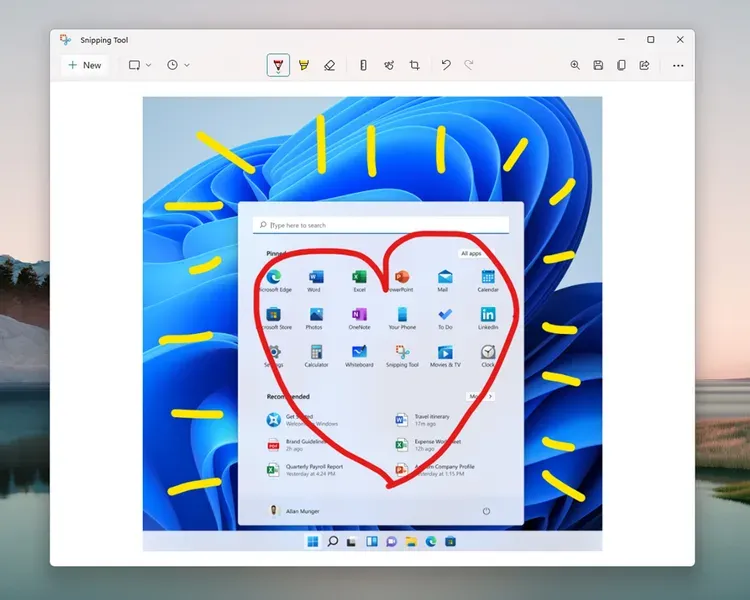
The app has a settings page and several capture modes: Rectangular Snip, Freeform Snip, Window Snip and Fullscreen Snip. Screenshots can be annotated and cropped directly in the app.
Snipping Tool’s theme can be set separately from the Windows theme, so you can use dark mode in the app without changing it in the rest of the system.
After launch, Snipping Tool also gained screen recording, in testing since December 2022, and “Text actions”: the app copies the text from a screenshot and can automatically hide the email addresses and phone numbers in it before you send it to someone.
Calculator: a new look and useful features
Calculator got a small visual refresh too and, like Snipping Tool, can be used in dark mode. Microsoft announced at the time that the app had been rewritten in C#, so that more developers could contribute to it on GitHub, where its code is public.
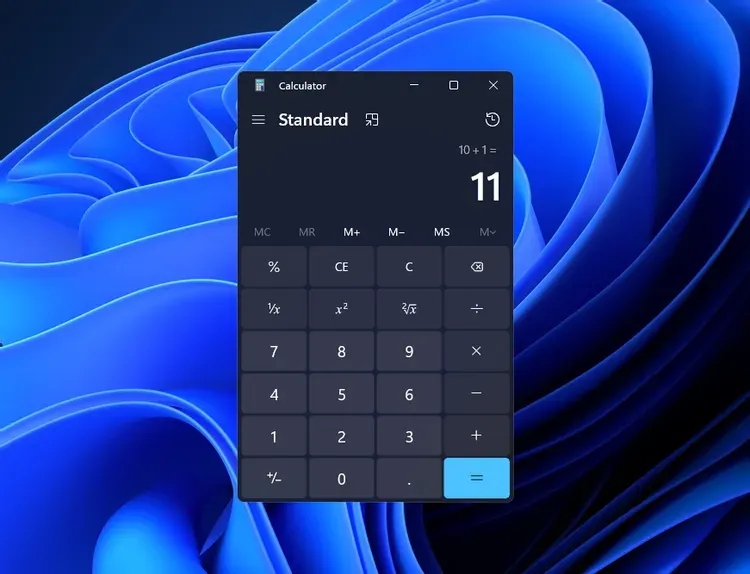
Beyond its looks, Calculator has lots of useful features. It helps with math homework, keeping track of your finances, plotting and analyzing equations on a graph, and evaluating algebra, trigonometry and other complex math expressions:
- a standard calculator, simple and easy to use for basic calculations, and a scientific calculator for more complex math;
- Programmer mode, with the essential functions for programming and engineering;
- Graphing mode, where you plot one or more equations and analyze the graph to identify its key features;
- conversions between more than 100 units of measurement and currencies.
What happened to Mail and Calendar?
In 2021, Mail and Calendar also got the new Windows 11 visual style: rounded corners and other tweaks that made them look like part of the system. As before, they could follow the Windows theme, including dark mode.
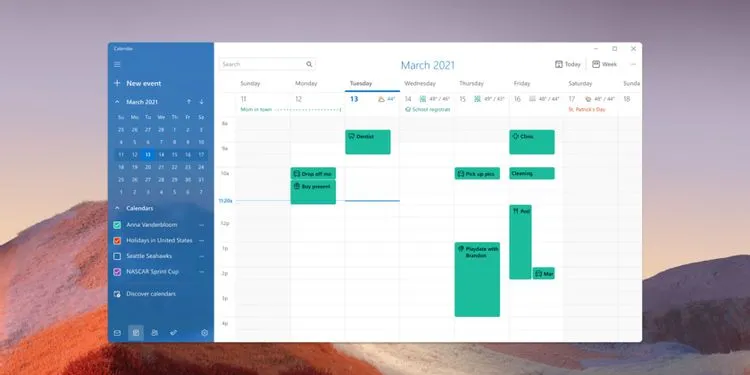
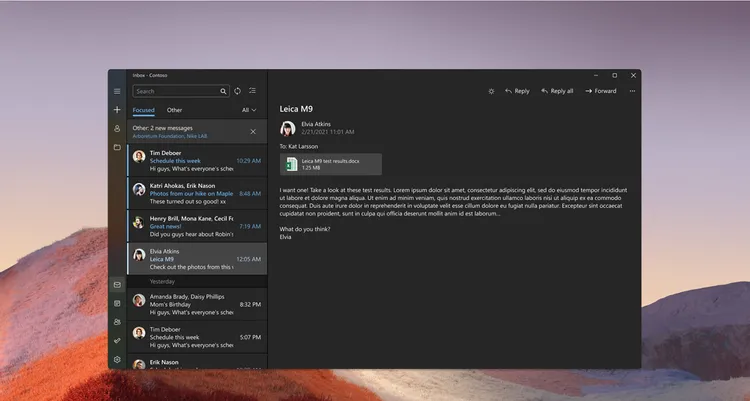
The apps no longer exist: Microsoft ended support for Mail, Calendar and People on December 31, 2024. Since then, they can no longer send or receive email or invitations. Their place has been taken by the new Outlook for Windows, included in Windows 11 and available for free in the Microsoft Store. Email, events and contacts saved locally in the old apps can be exported and then imported into Outlook.
In companies, the situation is usually different: those with Microsoft 365 use classic Outlook, which Microsoft has announced it will support until at least 2029.
When was Windows 11 released?
Windows 11 was released on October 5, 2021, as a free upgrade for compatible Windows 10 computers. The upgrade is still free for computers that meet the requirements: TPM 2.0, UEFI with Secure Boot, a processor on Microsoft’s list, 4 GB of RAM and 64 GB of storage. The steps are in the article on the free upgrade from Windows 10 to Windows 11.
RezolvIT provides companies with IT outsourcing, computer checks and operating system upgrades to Windows 11. Request a free IT audit to find out which computers can move to Windows 11.
Tell us what’s slowing you down. We’ll call you.
It takes 30 seconds, and a specialist will call you back within 2 business hours.
- free IT & AI audit, no obligation
- a report with risks and concrete recommendations
- a clear offer, with a fixed monthly plan
Prefer the phone? 031 432 8681